Lost NOL Card – Block, Replace & Recover Your Balance
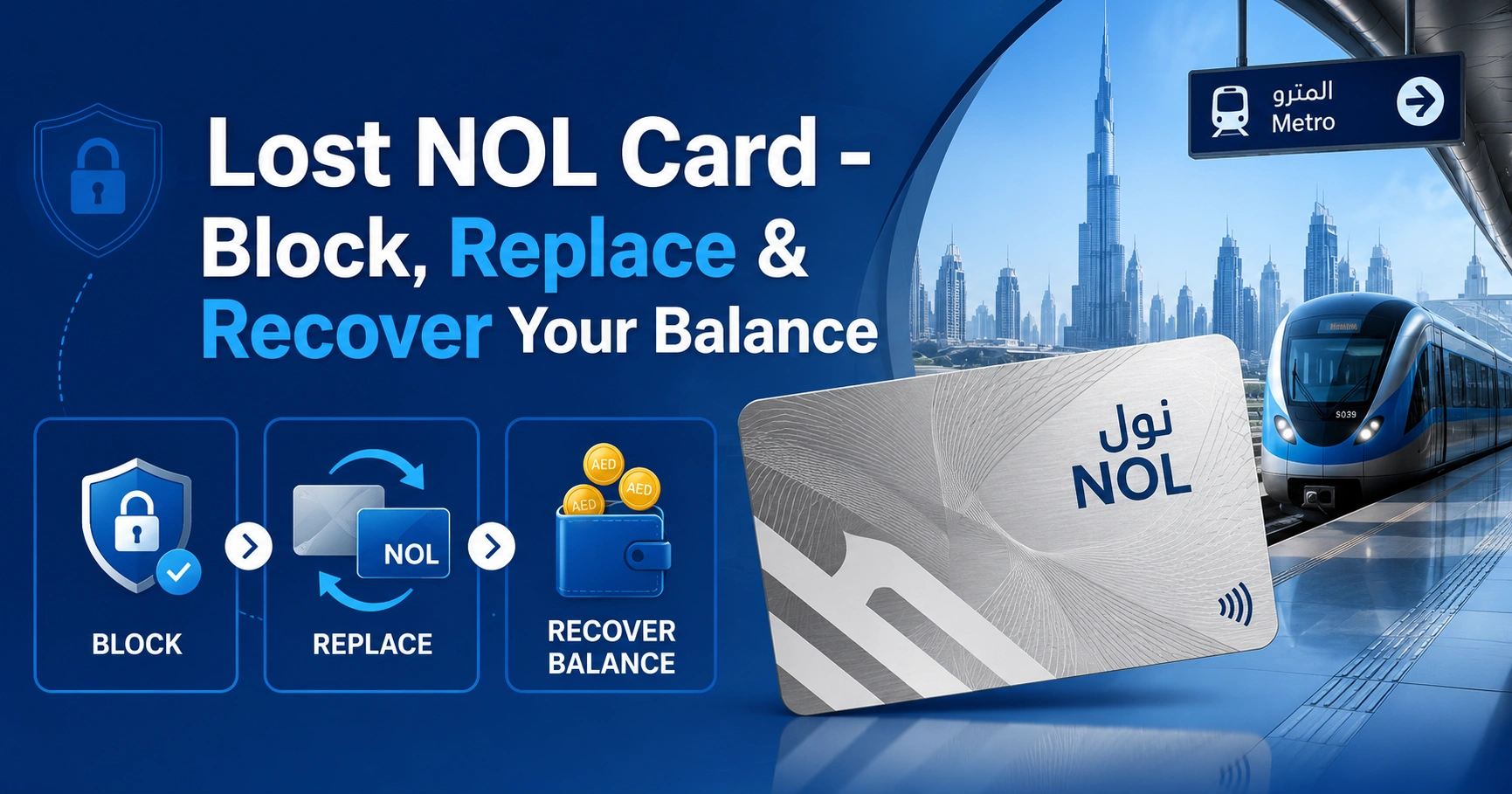
A lost NOL card should be reported as soon as possible because it may remain usable until the Roads and Transport Authority blocks it. If the card is registered or personalized, you can usually request a replacement and recover the remaining balance.
Anonymous Silver and Gold cards are not normally protected against loss. Red Tickets are also ineligible because they are not connected to the passenger’s identity.
Lost Your NOL Card? Take These Steps Immediately
Submit a formal lost-card request through an official RTA digital channel as soon as you notice the card is missing. The blocking process may take up to 48 hours, so reporting the loss quickly reduces the risk of unauthorized travel or retail deductions.
Follow these immediate steps:
- Check your wallet, bag, vehicle and recent locations.
- Sign in to your RTA account or official NOL app.
- Find the lost card using its Tag ID or registered details.
- Submit the lost-card, replacement or refund request.
- Choose balance transfer or cash refund when eligible.
- Save the application number and confirmation SMS.
- Arrange another NOL card for travel while the request is processed.
You can also call RTA Customer Service at 800 90 90 for guidance. Calling customer support can help you understand the process, but you should still complete the required official application to begin blocking and balance recovery.
Can You Recover the Balance from a Lost NOL Card?
You can recover money from a lost NOL card when RTA can verify that the card belongs to you. This generally includes personal Blue cards and Silver or Gold cards registered under your identity.
If you have your card’s tag ID, then you can check your NOL Card Balance online.
The available balance can usually be transferred to another eligible registered NOL card. A cash refund may also be available, depending on the balance, card type and refund conditions.
Lost NOL Card Eligibility by Card Type
| NOL card type | Balance recovery after loss | What to do |
|---|---|---|
| Personal Blue NOL card | Usually eligible | Submit a replacement and refund request |
| Registered Silver NOL card | Usually eligible | Transfer the balance or request an eligible refund |
| Registered Gold NOL card | Usually eligible | Transfer the balance or request an eligible refund |
| Anonymous Silver card | Not normally eligible | Purchase a new card |
| Anonymous Gold card | Not normally eligible | Purchase a new card |
| Red Ticket | Not eligible | Buy a new ticket or NOL card |
| Virtual NOL card | Handled digitally | Use the nol Pay app |
| Bank-issued Go4it card | Handled by the bank | Contact the issuing bank |
Registration must normally exist before the card is lost. You cannot usually register an anonymous card after it disappears and then claim its remaining balance.
How to Report a Lost NOL Card Online
The online process is generally the quickest way to report a lost or stolen card. It also creates a digital record of your application and allows RTA to send status updates to your registered mobile number.
Step 1: Open the Official RTA Service
Access the NOL card refund, replacement or lost-card service through the RTA website, RTA Dubai app or nol Pay app. Sign in using the account connected to your card.
Use the virtual-card section in nol Pay when the missing card was stored on your phone. A bank-issued NOL card must be reported to the relevant bank instead.
Step 2: Identify the Missing Card
Enter or select the card details requested by the system. These may include:
- NOL Tag ID
- Emirates ID details
- Registered mobile number
- NOL account information
- Card type
- Reason for the request
- Approximate remaining balance
The Tag ID is the unique number printed on the physical card. Keeping a photograph or secure record of this number can make a future lost-card application easier.
Step 3: Select “Lost” or “Stolen”
Choose the correct reason for your application. This tells RTA that the original card must be blocked before the remaining balance can be refunded or transferred.
Review the selected card carefully. Reporting the wrong card could block a NOL card that you are still using.
Step 4: Apply for Replacement When Required
A replacement request may be necessary before the balance from the missing card can be recovered. The exact process and charge depend on the NOL card type and service selected.
Check that your registered address and mobile number are correct. Status messages and delivery information may be sent using these details.
Step 5: Choose How to Receive the Balance
Eligible users may be offered one of these options:
- Transfer the balance to another registered or personal NOL card
- Collect an approved cash refund
- Move the balance to the replacement card
Balance transfer is generally the most convenient option for regular commuters. The receiving card must also meet RTA’s registration requirements.
Step 6: Submit and Save the Reference Number
Review all details before submitting the application. Save the application number, confirmation screen and any SMS messages you receive.
RTA may use SMS to confirm the request, provide the missing card’s Tag ID, announce approval and explain how to activate or collect the balance.
How Long Does RTA Take to Block a Lost NOL Card?
A lost or stolen NOL card may take up to 48 hours to be blocked after the formal request is submitted. The card could remain usable during this period.
RTA may not reimburse unauthorized deductions made before the block becomes effective. This is why the request should be submitted immediately instead of waiting to see whether the card is returned.
Lost NOL Card Processing Timeline
| Stage | Expected timeframe |
|---|---|
| Blocking the missing card | Up to 48 hours |
| Reviewing the refund request | Around four working days |
| Status notification | Commonly sent by SMS after review |
| Balance availability after activation | About 45 minutes to four hours |
| Cash refund collection deadline | Within 30 days of approval |
| Balance transfer activation deadline | Within 180 days of approval |
Working days and application volume can affect processing. Incorrect personal details, an unregistered card or a mismatch in the receiving card may also cause delays.
How to Transfer the Remaining Balance to Another NOL Card
Balance transfer allows the remaining value from an eligible lost NOL card to be moved to another registered or personal card. The transfer itself is generally free.
The receiving card cannot normally be an anonymous card. Register or personalize the new card before selecting it as the destination for the recovered balance.
Steps to Activate the Transferred Balance
- Wait for the approval message from RTA.
- Keep the receiving NOL card ready.
- Allow at least 45 minutes after approval or transfer confirmation.
- Tap or insert the card on an online NOL device.
- Check the updated balance before travelling.
You may activate the amount using a supported NOL device such as:
- Dubai Metro gate
- NOL top-up machine
- Parking payment machine
- Solar-powered ticket machine
- Supported NFC function in the nol Pay app
The transferred amount may take between 45 minutes and four hours to appear. Tapping the card before the system has updated may not activate the new balance immediately.
How to Receive a Cash Refund
A cash refund may be available when you do not want the balance transferred to another NOL card. Eligibility depends on the refund amount, card status and RTA’s current service conditions.
Approved cash refunds below the applicable limit may be collected through the method stated in the confirmation message. Collection should usually be completed within 30 days of approval.
Bring the required identification and application details when collecting the money. An expired approval or mismatch in personal information may prevent payment.
Lost NOL Card Fees and Charges
There is no single replacement price that applies to every NOL card. The amount can vary based on whether you are replacing a personal Blue card, registered Silver card, registered Gold card or another eligible product.
| Service | Possible charge |
|---|---|
| Blocking a lost card | Included in the lost-card process |
| Balance transfer | Generally free |
| Cash refund | 2.5% of the amount or AED 5, whichever is higher |
| Replacement card | Depends on the card type |
| New anonymous card | Standard purchase price applies |
| Delivery | May depend on the selected service |
Check the total shown during the application before paying. Avoid relying on old articles that quote one fixed replacement fee for every NOL card.
What If the Lost NOL Card Was Not Registered?
The balance on an anonymous NOL card is generally not recoverable after the card is lost. RTA cannot safely confirm who owns the card because it is not connected to an Emirates ID or registered account.
This rule usually applies even when you remember the Tag ID. Possessing the card number alone does not provide the same ownership protection as registration.
You will need to purchase another NOL card to continue travelling. Register the new card as soon as possible if you want future balance protection.
Can Tourists Recover a Lost NOL Card Balance?
A tourist may recover the balance if the missing card was personal or registered and the tourist can complete RTA’s identity verification requirements. Eligibility depends on the card’s registration status, not simply whether the passenger is a UAE resident.
A tourist using an anonymous Silver card or Red Ticket will generally be unable to recover the remaining value. Visitors carrying a larger balance should consider using a registered card and keeping its Tag ID safely recorded.
What to Do If You Do Not Know the Tag ID
The Tag ID helps RTA identify the exact card, but losing the physical card does not always mean the number is unavailable. It may appear in your RTA account, nol Pay profile, previous application records or card registration messages.
Try the following:
- Sign in to the account linked to the card.
- Check screenshots or photographs of the card.
- Search old SMS and email confirmations.
- Review previous top-up receipts.
- Contact RTA using your registered mobile number.
- Provide your Emirates ID and card type for verification.
Do not enter a guessed Tag ID. Submitting the wrong number may delay your application or affect another card connected to your account.
What Happens If You Find the Card After Reporting It?
A card reported as lost or stolen may become permanently blocked once RTA processes the request. Finding it later does not necessarily mean it can be reactivated.
Do not continue using the old card after submitting a replacement or refund request. Wait for RTA’s instructions and use the replacement or receiving card instead.
If the application is still pending, contact RTA before attempting any further action. Do not assume that cancelling the request will automatically restore the card.
Lost Virtual NOL Card
A virtual NOL card is linked to a compatible smartphone or wearable device rather than carried only as a plastic card. If the phone is lost, secure the device and associated accounts immediately.
Use the nol Pay app on a replacement device, where supported, and follow the virtual-card recovery process. You should also lock the lost phone remotely and protect any connected payment wallet.
The physical-card refund procedure may not apply in exactly the same way to a virtual NOL card. Follow the digital instructions provided inside nol Pay.
Why a Lost NOL Card Request May Be Rejected
An application may be delayed or rejected when RTA cannot verify the card, the customer or the requested refund method.
Common reasons include:
- The card was anonymous when it was lost.
- The Tag ID is incorrect.
- The Emirates ID details do not match.
- The receiving card is not registered.
- The replacement step was not completed.
- The card has already been blocked or refunded.
- The refund collection deadline has expired.
- The balance transfer was not activated within 180 days.
- The phone number connected to the card is outdated.
- The application contains incomplete information.
Check the rejection message carefully before submitting another request. Repeated applications with conflicting details may make the process slower.
How to Travel While Waiting for a Replacement
The missing card should not be your only method of paying for public transport while the case is under review. Purchase another NOL card or Red Ticket based on the number of trips you expect to make.
Make sure the temporary card has enough credit before entering the Metro or boarding another RTA service. Dubai Metro passengers should maintain at least AED 7.50 as the minimum balance required to start a journey.
Do not assume the recovered balance will appear immediately on the new card. Continue using sufficient temporary credit until the transfer has been approved and activated.
How to Protect Your NOL Balance from Future Loss
Register Your Silver or Gold Card
Registration links the card to your personal details and makes balance recovery possible when it is lost or stolen. An anonymous card does not offer the same protection.
Complete the registration before a problem occurs. A card cannot normally be registered for recovery after it has already disappeared.
Save the Tag ID Securely
Take a clear photograph of the front and back of the card or record the Tag ID in a secure password manager. Avoid saving sensitive details in a public note or shared device.
The Tag ID can help identify the card quickly during a refund or replacement application.
Keep Your Mobile Number Updated
RTA may send approval, rejection and activation instructions by SMS. An outdated number can prevent you from receiving important updates.
Update your account details whenever your phone number, email address or delivery address changes.
Avoid Keeping an Unnecessarily High Balance
A registered card provides better protection, but recovery still takes time. Maintain a reasonable balance based on your normal travel needs rather than storing more money than necessary.
Regularly checking the balance also helps you notice unexpected deductions.
Do Not Share a Personal NOL Card
Personal and concessionary cards should only be used by the registered cardholder. Sharing the card may create verification issues and can violate the conditions attached to personalized travel benefits.
Keep the card in a secure wallet compartment instead of a loose pocket.
Frequently Asked Questions
What should I do first if my NOL card is lost or stolen?
Report the lost NOL card as soon as possible through RTA’s official digital service and submit the required lost-card or refund request. The blocking process can take up to 48 hours, so delaying the report may allow further fare deductions or retail transactions before the card becomes unusable.
Can I recover the balance from a lost NOL card?
You can usually recover the balance from a lost NOL card when it is a personal Blue card or a registered Silver or Gold card. Anonymous cards and Red Tickets are generally not protected because RTA cannot confirm ownership or securely transfer the remaining value to another card.
Can I recover an anonymous Silver NOL card after losing it?
A lost NOL card that was anonymous at the time it disappeared normally cannot be registered afterward for balance recovery. Registration protects future funds by linking the card to your identity, but it does not retroactively prove ownership of an unregistered card that is no longer in your possession.
How long does RTA take to block a lost NOL card?
RTA may take up to 48 hours to block a lost NOL card after the formal request is submitted. During this period, the card may still be used, and unauthorized deductions may not be recoverable. Submit the request immediately and monitor confirmation messages sent to your registered mobile number.
How much does it cost to replace a lost NOL card?
There is no single replacement price for every lost NOL card because the charge depends on the card type and service selected. Balance transfer to another eligible registered card is generally free, while cash refunds may include a service fee. Review the amount displayed before completing your application.
Can I report a lost NOL card without the Tag ID?
You may still be able to report a lost NOL card without remembering the Tag ID if the card is already linked to your Emirates ID, mobile number or RTA account. Provide as much identifying information as possible and contact RTA customer service if the card does not appear in your account.
How do I activate the recovered NOL balance?
After approval, activate the transferred amount by tapping the receiving card on an online NOL device, such as a Metro gate, parking machine, top-up machine or supported app. A lost NOL card balance may take about 45 minutes to four hours to become available after the activation step.