RTA NOL Card Expiry Check Online 2026
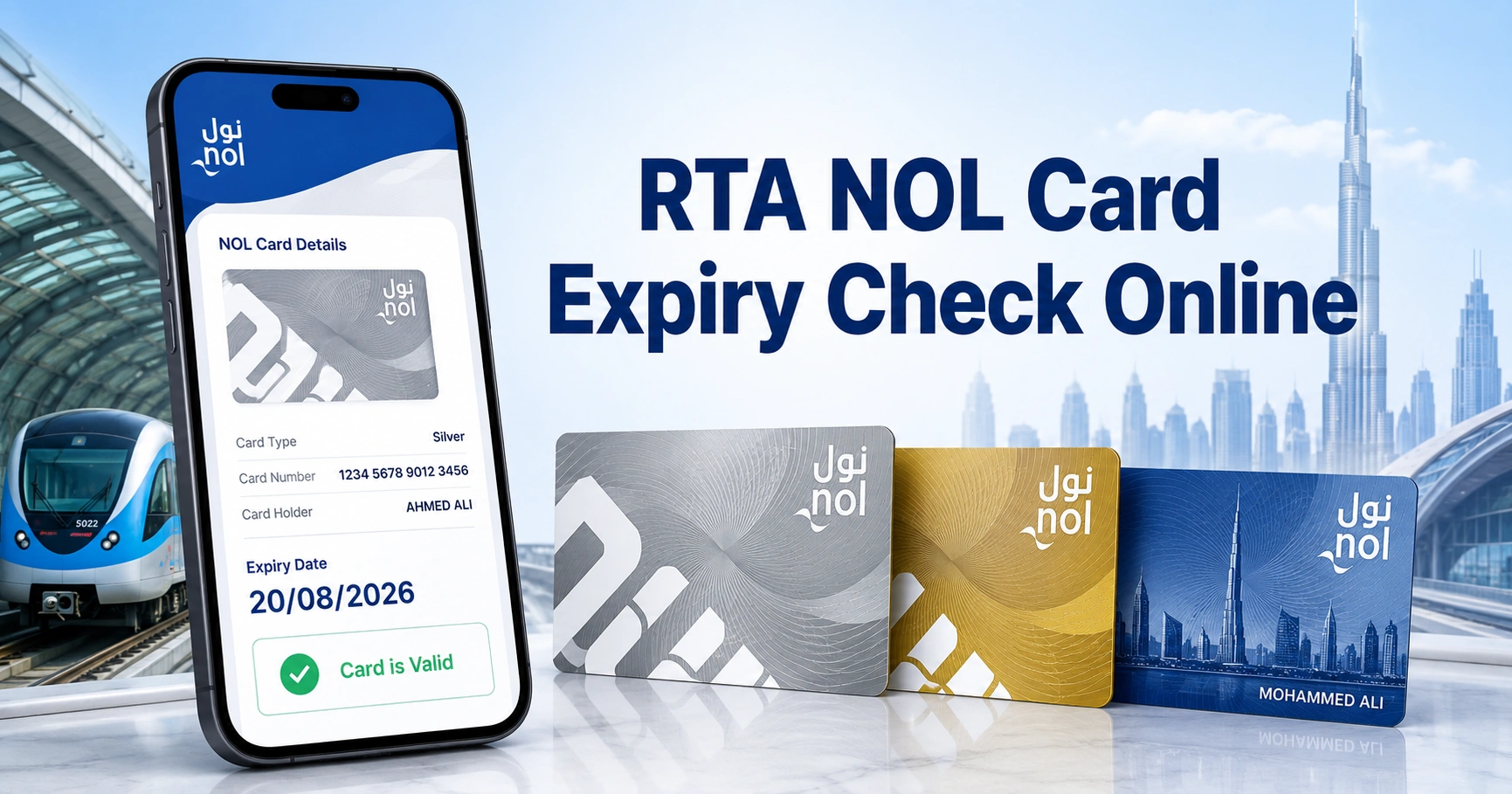
Your NOL card has a fixed validity period, even when it still contains travel credit. An RTA NOL card expiry check online confirms the card’s expiry date, remaining balance, card type and current status before you travel.
The quickest method is to enter the NOL Tag ID in the card information service on the RTA website. You can also check through the nol Pay app, an RTA ticket vending machine or a customer service counter.
How to Check NOL Card Expiry Online
To check your NOL card expiry date online:
- Open the official RTA website.
- Find the Check NOL Balance or card information service.
- Enter the NOL Tag ID printed on your card.
- Select Search or Check Card Info.
- Review the displayed balance, card status and expiry date.
You normally do not need to create an account for a basic card information check. Make sure the Tag ID is entered exactly as printed, without spaces or missing digits.
What Is the NOL Card Expiry Date?
The NOL card expiry date is the final date of the card’s standard validity period. After this date, the services available on the card depend on its type and registration status.
Silver and Gold cards normally remain valid for five years. Personal NOL cards also have a five-year card validity, while Red Tickets have a much shorter usage period.
Card expiry should not be confused with the expiry of a weekly, monthly or annual travel pass. A travel pass may expire while the physical NOL card remains active.
NOL Card Validity Periods by Card Type
The following table shows the standard validity of commonly used NOL products in Dubai.
| NOL card or ticket type | Standard validity |
|---|---|
| Silver NOL Card | 5 years |
| Gold NOL Card | 5 years |
| Personal NOL Card | 5 years |
| NOL Travel Card | 5 years |
| Red Ticket | 90 days or up to 10 trips |
A Red Ticket is intended for short-term travel and cannot be treated like a reusable Silver, Gold or Personal card. Its validity may also end once the permitted number of journeys has been used.
RTA NOL Card Expiry Check Online Using the Tag ID
The RTA website is the most direct option for checking an anonymous or registered NOL card. It can be used on a mobile phone, tablet or computer.
Step-by-Step Online Expiry Check
- Open the RTA Dubai website.
- Locate the NOL balance or card information section.
- Select the option to check your card details.
- Enter the NOL Tag ID shown on your card.
- Check the number carefully before submitting.
- Select Search or the available confirmation button.
- Review the expiry date, balance and card status shown on the screen.
The service may display slightly different information depending on the card type. Registered cards may offer additional management options after you sign in.
Where Is the NOL Tag ID?
The NOL Tag ID is printed on the physical card. On most Silver and Gold cards, it can be found on the back near the lower part of the card.
The Tag ID is generally a 10-digit number. Enter the number exactly as printed and do not use your Emirates ID number, bank card number or NOL account number in its place.
If the printed number has faded, try checking the card through NFC in the nol Pay app or visit a metro station ticket counter.
Check NOL Card Expiry Through the nol Pay App
The nol Pay app allows compatible smartphones to read and manage physical NOL cards. It is particularly useful when your phone supports Near Field Communication, commonly known as NFC.
Steps to Check Through nol Pay
- Open the nol Pay app.
- Sign in or continue through the available card service.
- Turn on NFC in your phone settings.
- Select the option to scan or manage a physical NOL card.
- Hold the card against the NFC area on the back of your phone.
- Keep it still until the card is detected.
- Review the card information, balance and validity details.
Some registered cards may already appear in the user’s account. In that case, select the linked card to view the available information without entering the Tag ID again.
What Else Can You Check in the App?
Depending on the card and phone compatibility, the nol Pay app may also let you:
- Check the current NOL balance
- Recharge an eligible card
- Purchase or load travel products
- View basic card information
- Manage linked cards
- Submit eligible card service requests
A successful online recharge may not always become active immediately. In some cases, the card must be tapped on a supported device or transport reader before the updated amount becomes available.
Check NOL Card Expiry Through the RTA Dubai App
The RTA Dubai app provides access to several transport and driving services. Available NOL features may depend on the app version, device and card registration status.
To check your card:
- Open the RTA Dubai app.
- Sign in using the available login method.
- Open the public transport or NOL services section.
- Select the card information or balance-check option.
- Enter your NOL Tag ID when requested.
- Review the displayed card details.
For direct NFC card reading and card management, the nol Pay app may provide a more focused experience.
How to Check NOL Card Expiry Offline
Online checking is convenient, but you can also confirm the expiry date at an RTA facility. Offline methods are helpful when the Tag ID is unreadable, the website does not return a result or your phone cannot scan the card.
Check at a Ticket Vending Machine
Ticket vending machines are available at Dubai Metro stations and other selected transport locations.
To check the card:
- Place the NOL card on the reader.
- Wait for the machine to detect it.
- Select the card information option if required.
- Review the displayed balance, status and validity details.
Do not remove the card too quickly. The machine may need a few seconds to read and display the information.
Ask at a Metro Ticket Office
RTA staff at a metro station ticket office can inspect the card and explain its current status. This is a useful option when a card shows an invalid, blocked or expired message.
Take the physical card with you. Personal NOL cardholders may also need their Emirates ID when requesting renewal, replacement or account-related assistance.
Visit an RTA Customer Happiness Centre
A Customer Happiness Centre can help with more complicated cases, including:
- Expired Personal NOL Cards
- Remaining-balance refunds
- Card replacement requests
- Concession renewal
- Damaged or unreadable cards
- Registered-card account issues
Service availability may differ by location, so carrying your Emirates ID and the physical card can help prevent an unnecessary second visit.
Card Expiry and Travel-Pass Expiry Are Different
A common mistake is assuming that a 30-day pass determines the validity of the physical card. The physical NOL card and the travel product loaded onto it have separate expiry dates.
| Item | What expires |
|---|---|
| Physical NOL card | The reusable transport card itself |
| Seven-day pass | Unlimited travel entitlement for seven days |
| 30-day pass | Monthly travel entitlement |
| 90-day pass | Quarterly travel entitlement |
| 365-day pass | Annual travel entitlement |
| Concession eligibility | Discount entitlement linked to an eligible Personal card |
For example, a Silver NOL Card may remain valid for several more years even after a 30-day travel pass expires. The user can then load another eligible travel product onto the same active card.
What Happens When a NOL Card Expires?
The result depends on the type of card. The rules for anonymous Silver and Gold cards are not identical to those for Personal NOL Cards.
Silver and Gold NOL Cards
After the standard five-year validity ends, an existing balance on a Silver or Gold card may remain usable for up to two additional years.
During this extended period:
- Existing credit may still be used
- New credit cannot be added
- New travel products cannot be loaded
- The card cannot be newly registered
- Card management options become limited
This extra period is intended for using the balance already stored on the card. It does not operate as a full card renewal.
Once the additional period ends, the remaining value should be recovered through an eligible refund or balance-transfer process rather than used for travel.
Personal NOL Cards
A Personal NOL Card should be renewed when its five-year card validity ends. Cardholders should not assume that every post-expiry rule applying to anonymous Silver or Gold cards also applies to a Personal card.
Personal cards may contain identity details, concession eligibility or other account-linked features. Continuing to travel with an invalid or expired personalized card can create problems during inspection.
Red Tickets
A Red Ticket expires after its permitted validity or journey limit. It is a disposable travel product and is not renewed like a reusable NOL card.
A new Red Ticket must be purchased when the old ticket expires or reaches its trip limit.
Does the NOL Balance Expire With the Card?
The remaining balance does not necessarily disappear on the standard expiry date. Silver and Gold cardholders may continue using existing credit during the permitted post-expiry period, although they cannot recharge the card.
For other expired cards, the balance may be recoverable through an eligible refund or transfer request. Recovery depends on the card type, card condition, registration details and the information available in the RTA system.
Do not throw away an expired card that still contains money. Keep it until the balance has been used, transferred or refunded successfully.
Can You Recharge an Expired NOL Card?
An expired NOL card generally cannot be recharged. This restriction applies even when the card can temporarily use an existing balance.
A top-up attempt may be rejected through:
- The RTA website
- The nol Pay app
- A ticket vending machine
- A retail recharge outlet
- A transport station counter
Purchase or renew an eligible card before the remaining balance reaches the minimum amount required for travel.
How to Renew a Personal NOL Card
Personal NOL Card renewal is available for cardholders whose personalized card or concession requires renewal. The exact requirements depend on the card category.
Personal Card Renewal Steps
- Open the Personal NOL Card renewal service.
- Sign in through the required account or identity service.
- Enter the card or application information.
- Confirm your personal details.
- Upload updated documents when requested.
- Choose the required card category.
- Pay the displayed renewal charges.
- Confirm the delivery details.
- Track the application until the new card is issued.
Automatically approved applications may be processed faster than applications requiring manual document review.
Documents That May Be Required
Depending on the card category, RTA may request:
- Valid Emirates ID
- Recent personal photograph
- Passport or residency information
- Student eligibility documents
- Senior-resident eligibility details
- People of Determination documents
- Updated contact and delivery information
Submit clear and current documents. Blurred photographs, expired identification or mismatched names can delay approval.
Personal NOL Renewal Costs
Renewal charges depend on the selected card category, card design, delivery and any concession-related requirements.
| Personal NOL option | Typical listed total |
|---|---|
| Personal Silver Card | AED 70 |
| Personal Gold Card | AED 80 |
| Personal Silver with eligible student identification | AED 95 |
| Personal Silver special design | AED 100 |
| Personal Gold special design | AED 110 |
| Eligible People of Determination card | Free |
Fees and eligibility conditions can change. Review the amount displayed during the application before completing payment.
Should Silver and Gold Cards Be Renewed or Replaced?
Anonymous Silver and Gold cards are generally replaced rather than renewed through the Personal NOL Card renewal process. You can purchase a new card and then request recovery of any eligible balance from the expired card.
A new Silver or Gold card can usually be purchased from:
- Dubai Metro stations
- Bus stations
- Ticket vending machines
- Authorised sales agents
- RTA customer service locations
Registering or personalizing a card can provide better balance-protection options if it is later lost, stolen or damaged.
How to Recover Balance From an Expired NOL Card
An eligible remaining balance may be transferred to another NOL card or refunded through an approved card refund service.
A typical balance-recovery process includes:
- Keep the expired physical card.
- Obtain an active replacement NOL card.
- Open the relevant refund or card service.
- Enter the old and replacement card details.
- Provide the requested contact information.
- Submit the application.
- Wait for confirmation.
- Activate the transferred amount when instructed.
A transferred amount may take approximately 45 minutes to four hours to become available after approval or activation instructions. Processing can take longer when manual verification is required.
RTA NOL Card Expiry Check Online Not Working
An unsuccessful check does not always mean the card is invalid. The problem may be caused by an incorrect Tag ID, a temporary service issue or difficulty reading the physical card.
“Tag ID Not Found”
Check that you entered the number printed on the NOL card rather than an Emirates ID or bank card number.
Remove spaces and re-enter every digit. If the printed number is damaged, scan the card through NFC or ask RTA staff to read it.
Website Does Not Load the Card Details
Refresh the page and try again using another browser or mobile network. Temporary maintenance or a slow connection can prevent the result from appearing.
Avoid submitting the form repeatedly within a few seconds. Close the page, wait briefly and start a new check.
NFC Cannot Read the Card
Confirm that NFC is enabled and remove any thick phone case that may block communication. Move the card slowly across the back of the phone because the NFC sensor position differs between devices.
Keep the card still when the phone detects it. Older phones and some device models may not support the required card-reading function.
Card Shows “Invalid”
An invalid message may appear because the card:
- Has expired
- Is damaged
- Has been blocked
- Has insufficient balance
- Contains an inactive travel product
- Was reported lost or stolen
- Has an account or concession issue
Visit a ticket office when the message continues after checking the card balance and expiry date.
Expiry Date Is Not Printed on the Card
Silver and Gold cards do not always show a clear expiry date on their surface. Use the online card information service, nol Pay app or a ticket vending machine to check it.
Personal cards may display validity information near the photograph, but the electronic card record should still be treated as the current status.
How to Avoid Problems With an Expiring NOL Card
Check your card before the expiry date rather than waiting until a metro gate rejects it.
Follow these practical precautions:
- Check the validity every few months
- Review the expiry before loading a long-term pass
- Keep enough balance for the intended journey
- Renew Personal cards before their validity ends
- Replace anonymous cards before the balance becomes too low
- Keep contact details updated for expiry notifications
- Do not discard a card containing recoverable value
- Protect the card from bending, heat and physical damage
Personal NOL cardholders may receive expiry notifications before the card or concession ends. Keeping the registered mobile number and email address updated makes these reminders more useful.
Minimum Balance and Expiry Are Separate Issues
A valid card can still be rejected when it does not contain enough money for the journey. Dubai Metro passengers should maintain at least the minimum required balance before entering the system.
If the balance is low, recharge the card before travelling. An expiry check confirms card validity, but it does not replace a balance check.
Frequently Asked Questions
How can I perform an RTA NOL card expiry check online?
To complete an RTA NOL card expiry check online, open the RTA card information service and enter the Tag ID printed on your card. Submit the number to view the available card details, which may include the expiry date, remaining balance, card type and current status.
How long is a Silver or Gold NOL Card valid?
Silver and Gold cards have a standard validity of five years. An RTA NOL card expiry check online confirms the exact date for your card. After standard expiry, existing balance may remain usable for up to two years, but recharging and loading new travel products are restricted.
Can I use my NOL card after its expiry date?
Some Silver and Gold cards may continue using their existing balance for up to two years after standard expiry. However, they cannot be topped up. Complete an RTA NOL card expiry check online because Personal cards, Red Tickets and other products may follow different post-expiry rules.
Does the remaining NOL balance disappear after expiry?
The stored balance does not always disappear immediately. Eligible funds may remain usable temporarily or may be recovered through a refund or transfer request. An RTA NOL card expiry check online helps confirm the card status, but you should keep the physical card until the balance is successfully recovered.
Can I recharge a NOL card that has expired?
An expired card normally cannot accept a new top-up, even when its existing balance can still be used temporarily. Use the RTA NOL card expiry check online before attempting a recharge. When the card has expired, purchase or renew an eligible card and arrange balance recovery if necessary.
Where can I find the NOL Tag ID for an online check?
The NOL Tag ID is printed on the physical card, usually on the back of a Silver or Gold card. It is generally a 10-digit number. Enter it exactly as shown during the RTA NOL card expiry check online, without spaces or substituting your Emirates ID number.
What is the difference between NOL card expiry and pass expiry?
Card expiry ends the validity of the reusable transport card, while pass expiry ends a specific seven-day, 30-day, 90-day or annual travel entitlement. An RTA NOL card expiry check online verifies the physical card, which may remain valid after the travel pass loaded onto it expires.
How do I renew an expired Personal NOL Card?
Use the Personal NOL Card renewal service, confirm your identity, upload any required documents, pay the applicable charges and provide delivery information. Before applying, complete an RTA NOL card expiry check online to confirm whether the physical card, concession eligibility or both require renewal.